SYSTEMS
DONE FOR YOU / 04
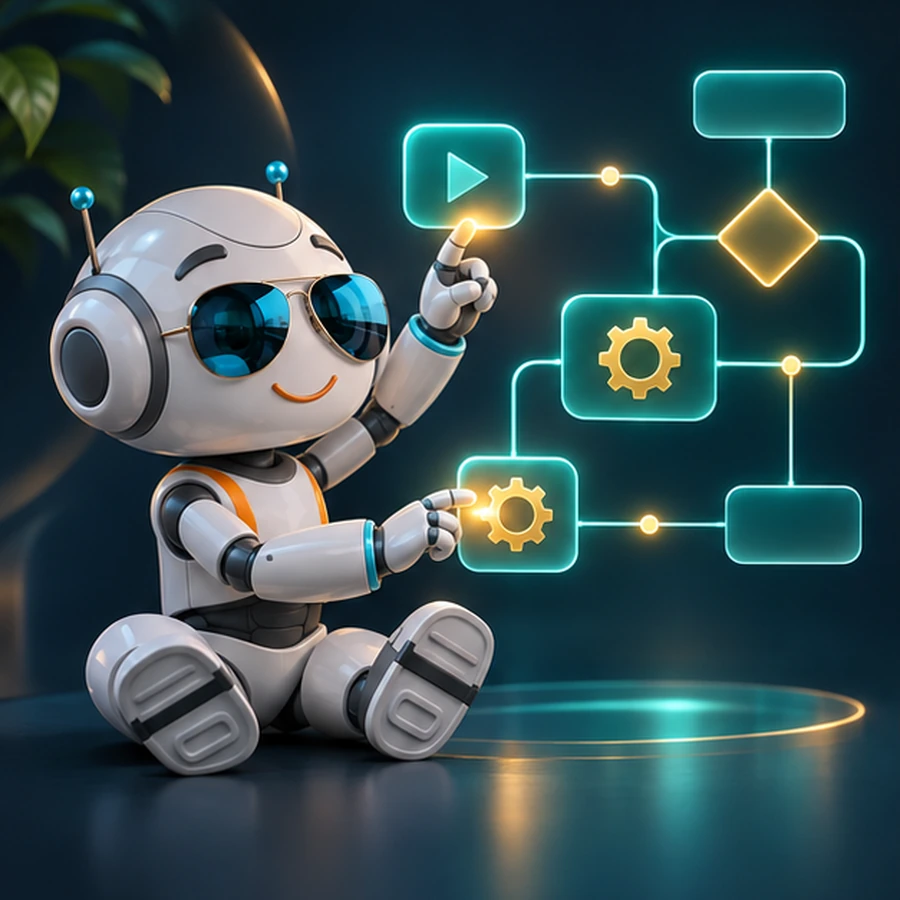
Workflow automation designed around your real process.
Bring repetitive steps, data and tools together.
Starting at US$99Entry point. Deliverables confirmed in quote.
 SHORT FILM
CODE CRACKER / AUTOMATIONS
Make the workflow fit the work.
When repeat tasks live across tools, start by mapping the handoffs; then scope automations with clear review points and human control.
THE BRIEF
What we can explore
Connect the tools, approvals and data that keep your business moving.
THE NEXT STEP
Scoped to your goals
A workflow design, integration plan and quote based on your setup.
No fixed package or timeline is implied by the starting price.
SERVICE QUESTIONS
Questions before we scope it
Which tasks are good candidates for automation?
Look for repeatable steps with clear starting signals, inputs, decisions, and owners. We first map the current process and exceptions; a workflow should not automate a task whose rules or approvals are still unclear.
Will an automation run without human review?
That depends on risk and the brief. Approval steps, exception handling, and handoffs can be included in the scope so your team stays involved where needed. Access and permissions are agreed before implementation.
What should I share before scoping a workflow?
List the steps, systems involved, information that moves between them, who approves decisions, common exceptions, and the intended outcome. Do not submit credentials or sensitive records.
Before connecting tools
Start with one repeatable workflow
The best first automation is small enough to map and important enough to matter. Describe the work as it happens today, including the exceptions.
Trigger and outcome
What starts the process, and what should be true when it is finished?
Tools and handoffs
Name the systems and people involved, plus the data that must move between them.
Approval and exceptions
Mark steps that require a human decision and cases where the automation must stop.
We’ll define access, safeguards, test cases and a rollback plan before connecting production systems.
Send a brief ↓01 / START THE CONVERSATION
Tell us about your Automations & custom tools project.
Need a call? Select the callback option and provide a phone number.
You will receive a confirmation email after submitting.